Your Upwork,
inside Notion.
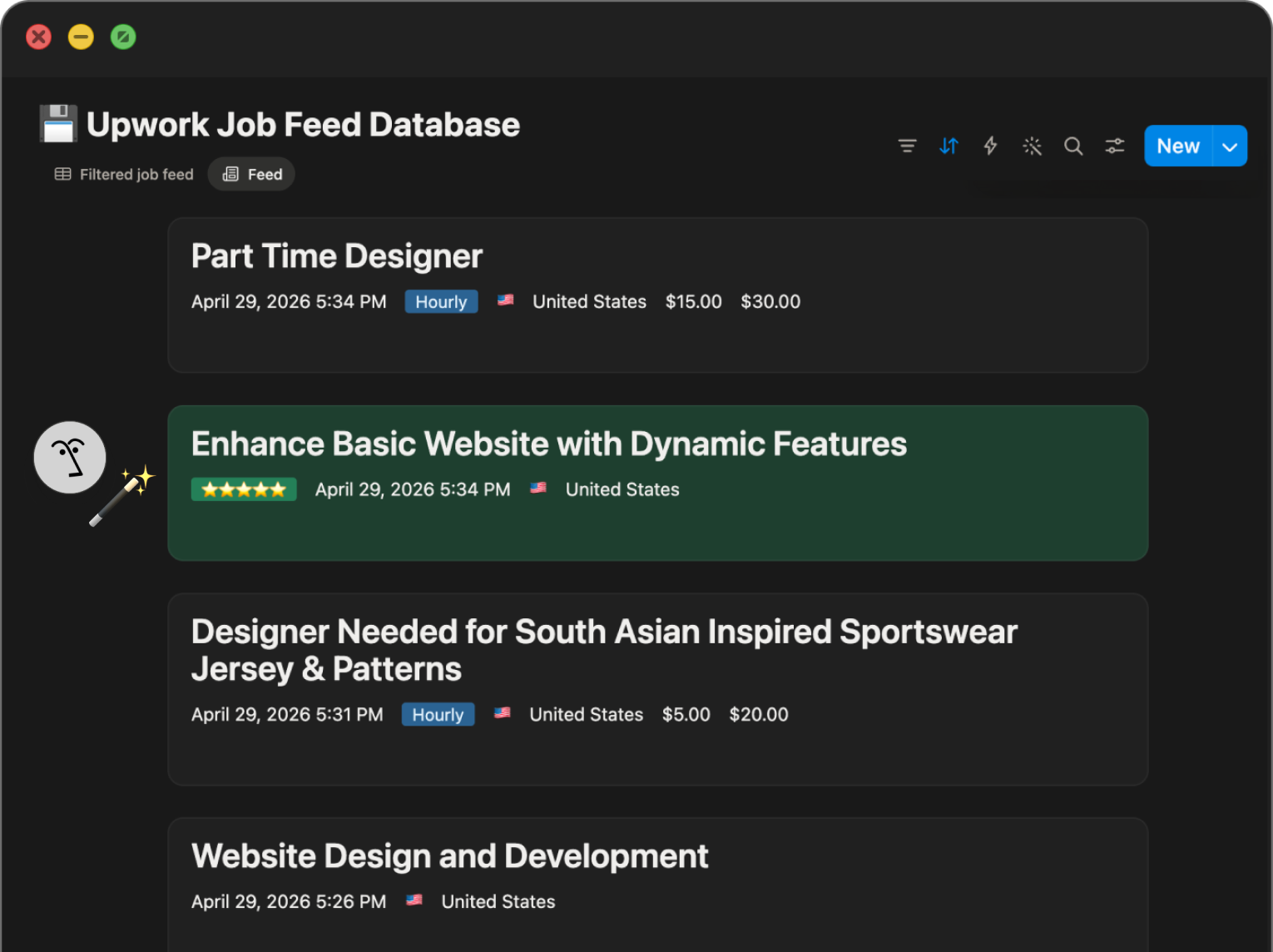
Automatically.Jobs sync to your feed, agents surface the best fits, proposals draft themselves — and your active contract hours log in real time.
Jobs sync to your feed, agents surface the best fits, proposals draft themselves — and your active contract hours log in real time.
Four steps. You're done in minutes — your job feed and work diary go live once Upwork approves your API access.
Your job feed. Your best fits. Your proposals. Your contract hours and earnings. All in one place — and free to start.
Start for Free